

Severity
High
Analysis Summary
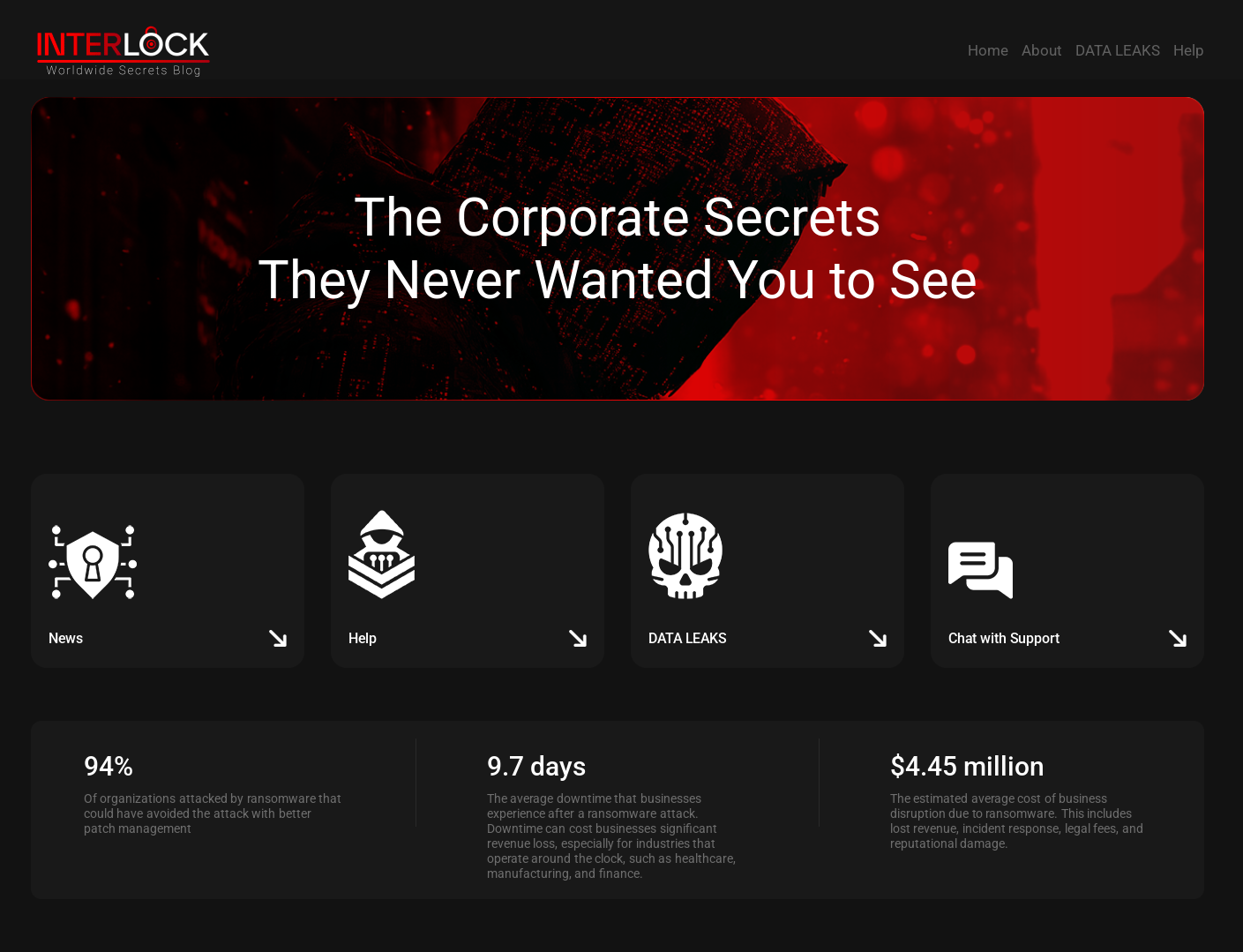
Interlock ransomware is a cyber threat that has been active since late 2024. It targets large organizations by encrypting their data and demanding ransom. The attackers often use fake browser or security updates to trick users into installing malicious software. These fake updates are actually programs that run hidden scripts, collecting system information and allowing the attackers to control the infected computer remotely.
One of their tactics, known as "ClickFix," involves displaying fake error messages or CAPTCHA prompts that instruct users to paste commands into their system's command line. This method relies on social engineering, convincing users to unknowingly install malware themselves. The malware can steal login credentials, record keystrokes, and provide remote access to the attackers.
After gaining access, the attackers move through the network using tools like Remote Desktop Protocol (RDP), AnyDesk, and PuTTY. They often target key systems like domain controllers to maximize their control. For data theft, they use tools like Azure Storage Explorer and AzCopy to upload stolen information to their own storage accounts.
Interlock ransomware comes in versions for both Windows and Linux systems. The Windows version uses a method called Cipher Block Chaining (CBC) to encrypt files, while the Linux version may use CBC or RSA encryption. After encryption, a ransom note is left in each affected folder, demanding payment in exchange for data recovery.
Security experts have noted similarities between Interlock and another ransomware group called Rhysida, suggesting they may share tools or developers. Interlock's evolving tactics and use of social engineering highlight the importance of user awareness and robust cybersecurity measures.
Impact
- Gain Access
- Financial Loss
- Credential Theft
Indicators of Compromise
IP
- 23.95.182.59
- 195.201.21.34
- 159.223.46.184
- 23.227.203.162
- 65.38.120.47
- 216.245.184.181
- 168.119.96.41
- 216.245.184.170
- 65.108.80.58
- 49.12.102.206
MD5
bf70fb955bf138a71be3018a6a03c347
8bf60bab86b0f501aecd48308b1d2c18
451886c420f85eba28c3a3cd477c7ab7
1ec0fd382727a099214801b0734ab7a2
73d71362933a62e3382560e041016477
b279f213971aa11b9de648bce28dec02
f37c40f02c39d37c30606ef98f9552ca
c5e583edaa38d42ac6d84868b0792eee
3104efb23ea174ac5eda9f5fd0e8c077
f7f679420671b7e18677831d4d276277
SHA-256
- 576d07cc8919c68914bf08663e0afd00d9f9fbf5263b5cccbded5d373905a296
- f962e15c6efebb3c29fe399bb168066042b616affddd83f72570c979184ec55c
- 09793a85d372f044fe53c4b47c47049c6bc13d1141334727800b2e32e6d92342
- dee5915b76dd3bae3d3cedc0c1d1b055daab5852cba4868c92eb88b9a84a0b00
- 5c697162527a468a52c9e7b7dc3257dae4ae5142db62257753969d47f1db533e
- eb587b2603dfc14b420865bb862fc905cb85fe7b4b5a781a19929fc2da88eb34
- 1105a3050e6c842fb9411d4f21fd6fdb119861c15f7743e244180a4e64b19b83
- 5cbc2ae758043bb58664c28f32136e9cada50a8dc36c69670ddef0a3ef6757d8
- 4a97599ff5823166112d9221d0e824af7896f6ca40cd3948ec129533787a3ea9
- a26f0a2da63a838161a7d335aaa5e4b314a232acc15dcabdb6f6dbec63cda642
SHA1
- 9336064f299c05ee8e66c54bb6f3a97304c4b804
- 79fbf19fd5624b7a3dc8e182d9944d6ddb167188
- c9afa10c847371831cdeb60a4161099e85f04d2b
- 4ed5f0174326c083ac179de9fc8005ffc4540b35
- b54219bb6016c3e23a6e02d7e33d384fa99d1e50
- 2ff5003ec4ab5e937ab47eefc0deea2855451886
- 8a9aa3370c3680e63fb2da306902ad1cbfdf6f54
- 547d08371f46a7a82708f02b36b8c00e00aa98a1
- d5891134109b9c3f8ec0050465f7325c26f0793e
- 1cb6a93e6d2d86d3479a1ea59f7d5b258f1c5c53
URL
- http://topsportracing.com/wp-az
- http://topsportracing.com/az10
- https://airbluefootgear.com/wp-includes/images/xits.php
- https://apple-online.shop/MicrosoftEdgeSetup.exe
- https://microsoft-msteams.com/additional-check.html
- https://microstteams.com/additional-check.html
- https://advanceipscaner.com/additional-check.html
- https://ecologilives.com/additional-check.html
- http://162.55.47.21:8080/1742688720
Remediation
- Regularly update all systems and software to patch known vulnerabilities.
- Enforce strong access controls and implement multifactor authentication (MFA) to prevent unauthorized access.
- Maintain regular backups of critical data and store them offline to prevent ransomware encryption.
- Deploy Endpoint Detection and Response (EDR) solutions to monitor for suspicious activities and anomalies.
- Conduct regular security assessments and penetration testing to identify and mitigate vulnerabilities.
- Implement robust multi-layered security measures to detect and respond to ransomware and cyber espionage activities.
- Block all known threat indicators and search for indicators of compromise (IOCs) within your environment.
- Educate employees about phishing and social engineering tactics to reduce the risk of credential theft.
- Restrict the use of Remote Desktop Protocol (RDP) and monitor for unauthorized remote access tools.
- Utilize advanced threat detection tools, such as Network Traffic Analysis (NTA), to monitor for unusual network activities.